
Summary
- Some setup support canceling orders. Please note this feature may not be available to all. It may depend on the order type and your POS integration.
- Cancelling orders will refund the customer.
- Please contact support for more information.
Cancel Orders
-
Go to the Order Monitor
-
Select Brand and Location from dropdown menu
-
Navigate to an order
-
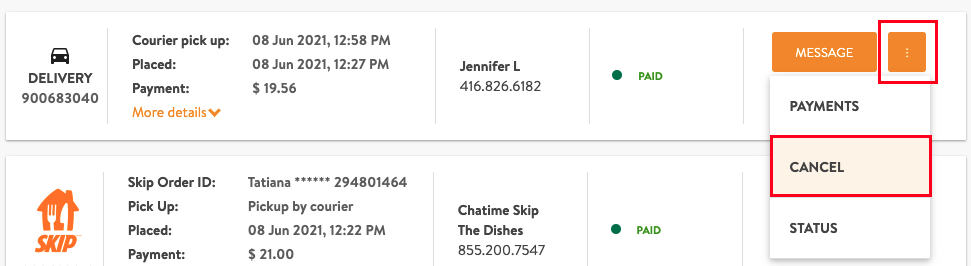
Click Cancel to cancel order
-
Once you cancel the order, the order status will update to Cancelled



Comments
0 comments
Article is closed for comments.